
Open natively. Print to Truss.
A Windows app that opens files in Excel and Adobe, and lets you print any document straight into Truss.
Book a Demo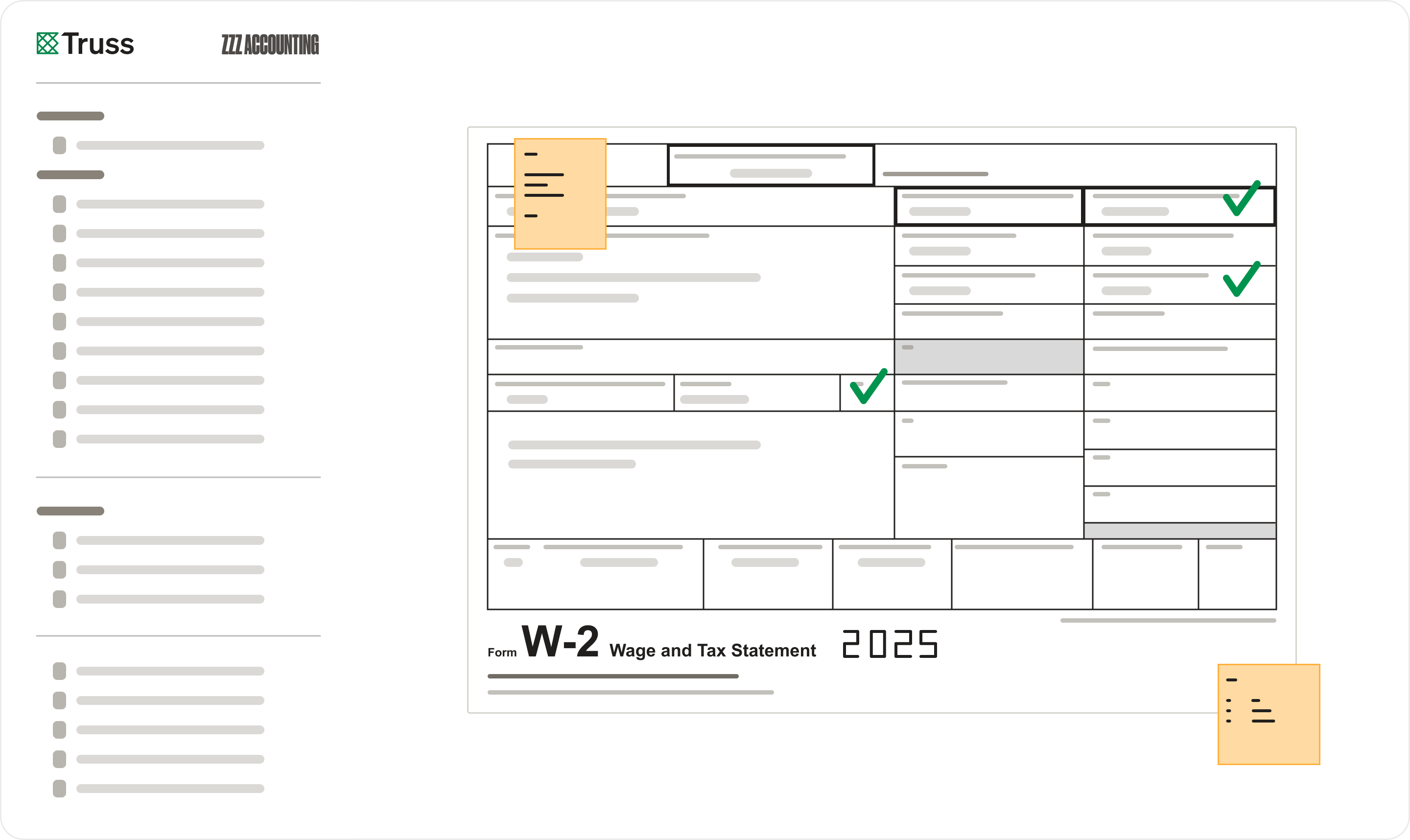
A Windows app that opens files in Excel and Adobe, and lets you print any document straight into Truss.
Book a Demo
The Truss desktop app connects your local tools to your cloud workflow. Open any file natively in Excel or Adobe with one click, and use Print-to-Truss to send your client's tax return directly to delivery.
Click a file in Truss and it opens natively in Excel, Adobe, or whatever application is associated with that file type on your machine. Edit locally, save, and the changes sync back to Truss. No downloading, renaming, and re-uploading.
Use "Print to Truss" from any Windows application — your tax software, Word, a browser, anything with a print dialog. The document lands directly in the right client project inside Truss, ready to review. No scanning, no emailing files to yourself.
"Truss has genuinely revolutionized our workflow process."

Kyrsten Sherwood, Operations Manager
Sherwood & Co, PS
The Truss desktop app is available for Windows. It installs in minutes and updates automatically so your team is always running the latest version.
Both work. The web version gives you full access from any browser. The desktop app adds native speed, offline capability, and better performance with large files. Many firms use both depending on the situation.
See for yourself. Select a date below and schedule a meeting with a Truss Account Executive.